1. Save anything
Press the AllReads button on any page, upload a PDF or EPUB, paste a link, or email it to save@allreads.net. It all lands in one library.
Listen to anything
Articles, PDFs, EPUBs, scanned pages and any webpage — read aloud in natural-sounding voices with the words lit as they’re spoken.
From $12 USD/month — or $99 a year.
Hear the voices included with your plan
























How it works
Press the AllReads button on any page, upload a PDF or EPUB, paste a link, or email it to save@allreads.net. It all lands in one library.
Thirteen AllReads voices included with your plan, plus OpenAI and xAI on a key of your own. Hear each of them before you choose.
Every word lights up as it is spoken, at up to 3× — and it picks up where you stopped, however long ago that was.
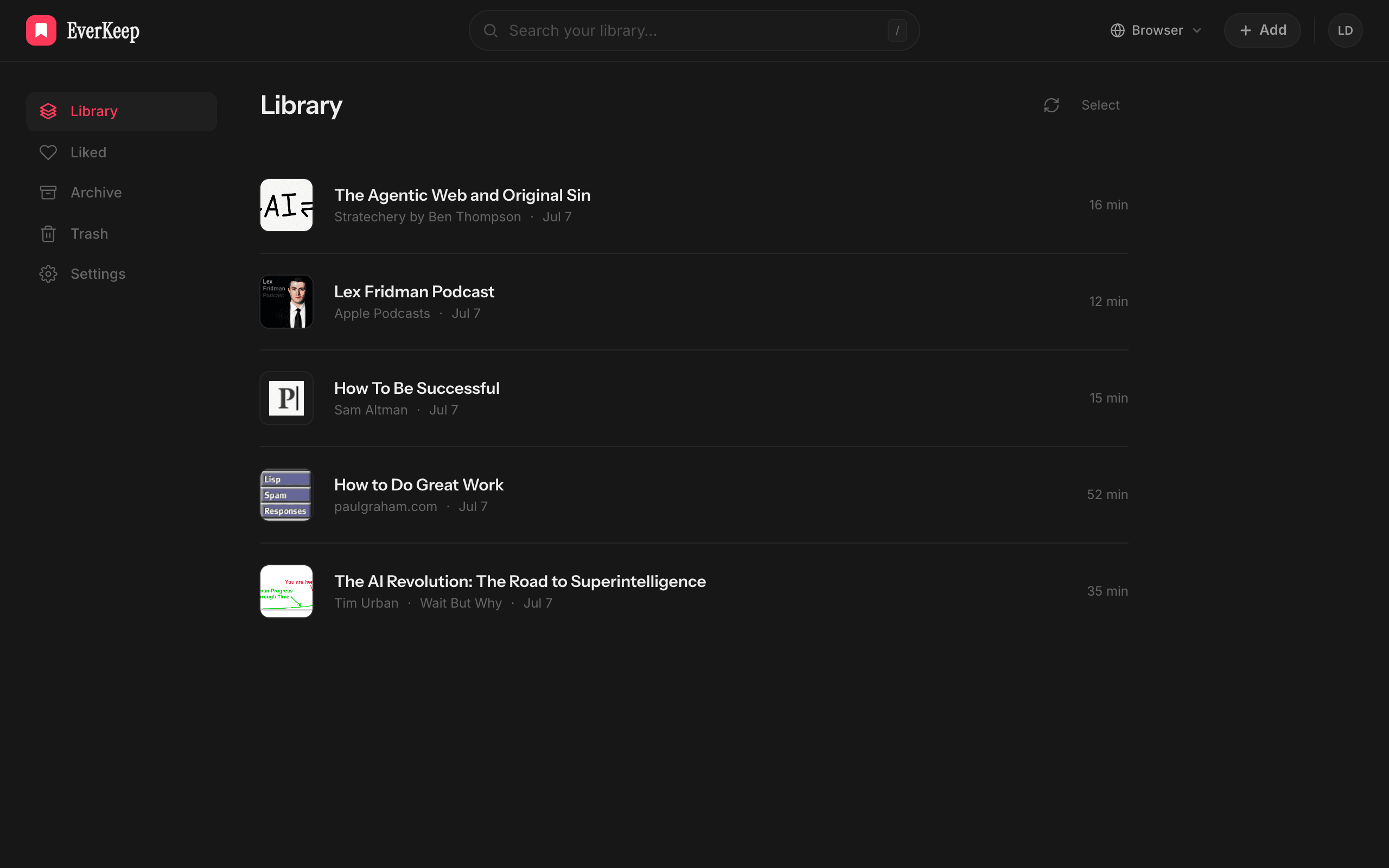
Your whole library in one browser tab — articles, PDFs, whole EPUBs. Open anything you’ve saved, press play, and pick up exactly where you stopped, on any machine you sign in on.
The real AllReads reader — turn your sound on and watch the words light up as they’re read.
Everything you need
Following the words on a real page, marking what’s worth keeping, hearing anything on your screen, and finding it all again afterwards — the details that decide whether you’re still listening next week.
Each word lit as it’s spoken — even on a scan
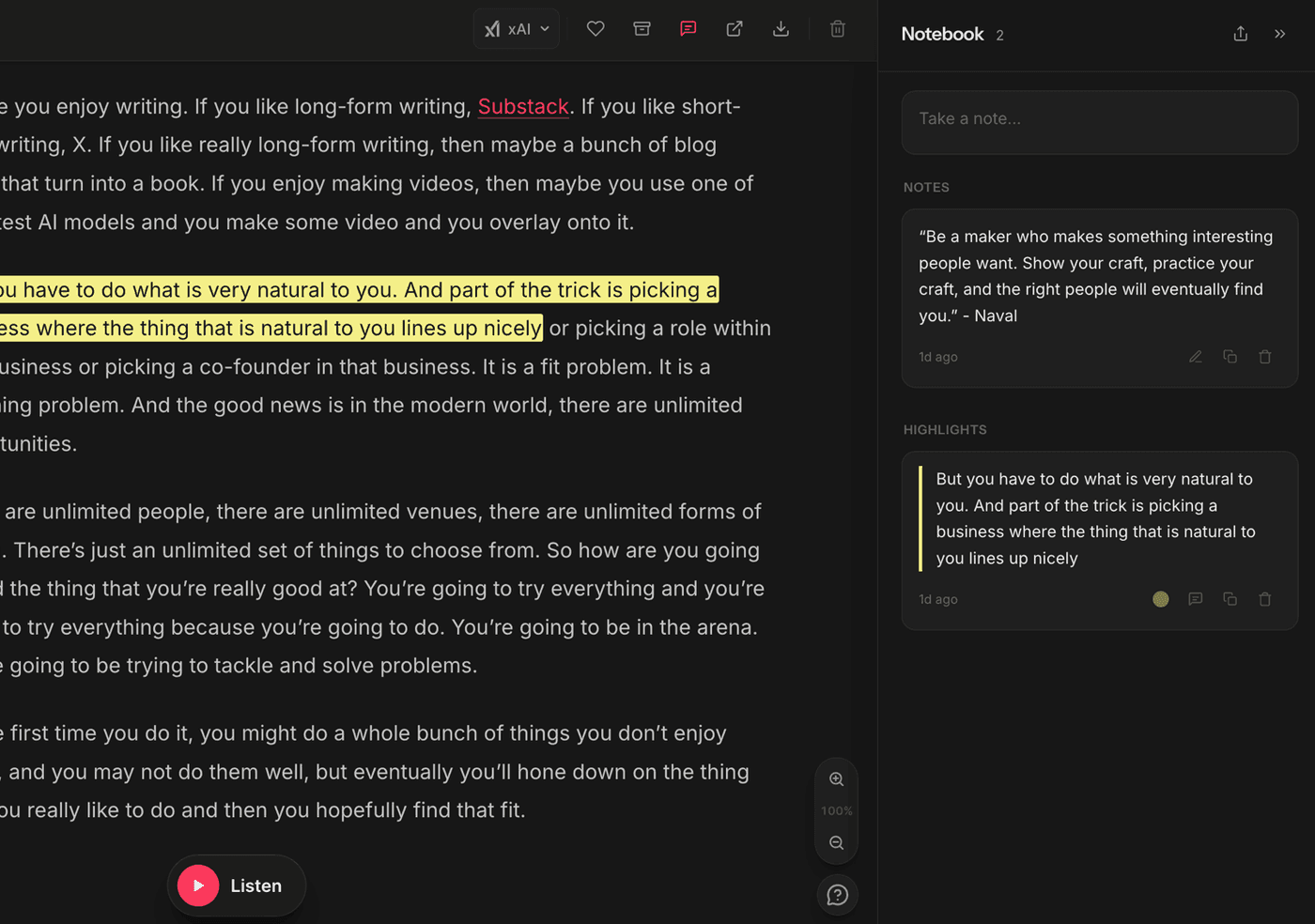
Mark a line, jot a note — all kept in one notebook
Press Alt+Shift+R, drag a box over anything on screen — it reads it aloud
Articles, books and files side by side — searchable, in folders
Made for
Listening turns the time you already have into reading time — and makes long text easier to stay with when a screen won’t hold you.

Turn textbooks, lecture notes and research papers into audio you can follow while you walk or commute. Hearing a difficult passage read at 1× while the words light up is a different kind of attention than skimming it a fourth time.

The report that landed at five, the contract, the notes from a meeting you missed. Upload the document or paste the part that matters and hear it in the downtime you already have: commuting, walking, waiting.
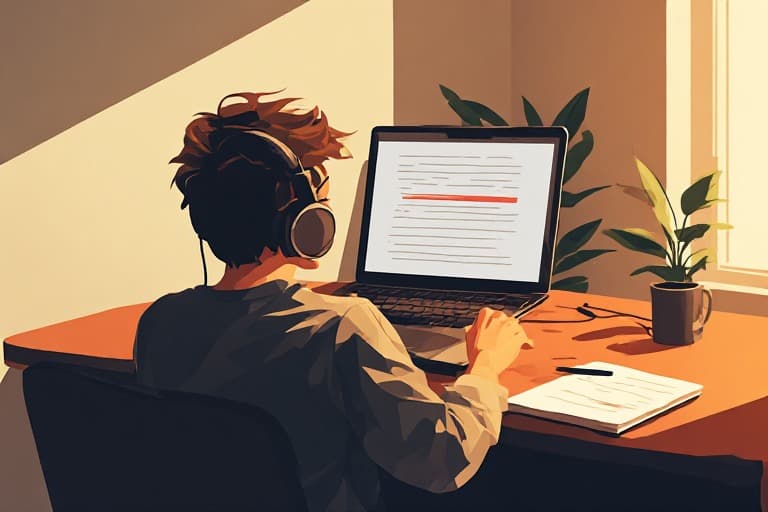
The oldest use for this and still the best. A missing word is invisible on the twentieth read and obvious the first time you hear it, because your ear does not autocorrect the way your eye does.
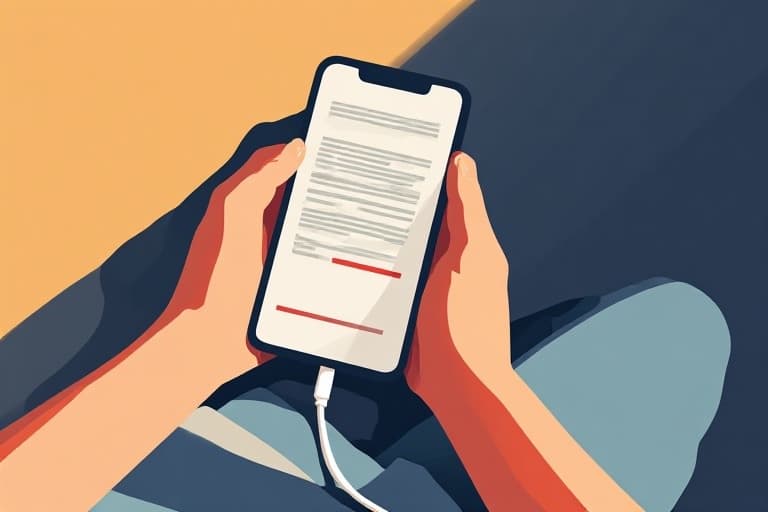
Most EPUBs will never be recorded — out-of-print, self-published, or simply not commercial enough. Upload the file and it reads aloud like one that was.
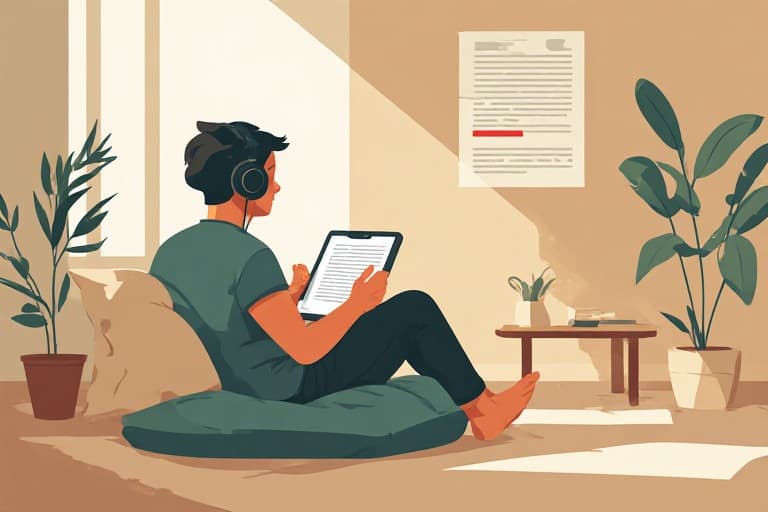
Dyslexia, ADHD and low vision all make sustained reading expensive in a way that has nothing to do with comprehension. Listening removes the decoding cost and leaves the understanding.

Articles, newsletters, essays — the reading you do because you want to rather than because you have to. Paste a link and it carries on while you cook, walk, or lie down with your eyes shut, which is more time than that reading usually gets.
In their words
Three people who bought AllReads, in their own words.
My eyes are just tired by the end of the day — not dramatic, they’re forty-six years old and that’s the deal. Having something read to me in the evening means the reading still happens. Small thing, made a real difference to my week.
I’m a slow reader, always have been. This lets me go at a pace that suits me and follow the words at the same time, which is the combination that works. I get to the end now, which I often didn’t.
Mostly I use it for the long ones I’d been putting off — the six-thousand-word pieces I save and never open. Turns out I don’t mind them at all when I’m walking.
Why AllReads
“I’m a slow reader. I always wanted to get through more books, but sitting still with one has never worked for me. Audiobooks fixed that, and I got through dozens — until I looked at everything else I’d collected. The PDFs, the EPUBs, the papers, the articles saved for later. No audiobook exists for any of it.
So I built the thing I wanted: one place that reads all of it in a voice worth listening to, whether or not anyone ever recorded it.”
Daniel Habila
Maker of AllReads
Pricing
Try it by the month, or save 31% by the year. Both are the whole app, every voice included, every update.
Full access, renewed each year.
$99USD / year
Save 31% against monthly. Cancel anytime.
Start yearly — $99Every plan includes
14-day money-back guarantee on every plan. No free trial to forget to cancel.
Questions
Yes. Upload a PDF and AllReads reads it aloud, highlighting each word right on the page as it’s spoken — scanned PDFs work too, since the text is recognised automatically first. Upload an EPUB and it reads the whole book cover to cover in reading order, with read-along in the text.
Two options, same full app. Pay $12 a month and cancel whenever you like, or $99a year and save 31%. Most people want the yearly plan. Both come with a 14-day money-back guarantee. Subscribing here starts straight away; the iPhone app offers a 3-day free trial, because the App Store is where people expect one.
Thirteen AllReads voices are included with your plan, in American and British English, and need no key at all. Beyond those: thirteenOpenAI voices — Alloy, Ash, Ballad, Cedar, Coral, Echo, Fable, Marin, Nova, Onyx, Sage, Shimmer and Verse — and five from xAI (Eve, Ara, Rex, Sal and Leo) with your own key, plus your browser’s built-in voices for free. Preview each voice in-app and switch whenever you like.
No. AllReads Voices are included with every plan — thirteen of them, in American and British English, with the words highlighted exactly as they’re spoken, and nothing billed by the word. Want OpenAI’s or xAI’s premium voices as well? Add your own key and they’re billed by the provider at their price, with nothing added on top. Your key is encrypted at rest and only ever used for your own requests.
Yes. Add an episode and generate a transcript on demand with your own OpenAI (Whisper) or xAI key. Long episodes are split up automatically, so a six-hour one is fine. Once the transcript is there you can read it, highlight it and take notes on it like any other article — the one thing on AllReads that runs the other way, turning listening back into something you can read.
Yes. Any article, PDF or book can be exported as a clean .mp3 in your chosen premium voice, generated on demand from the export menu. Save it, drop it into any audio or podcast app, and listen offline wherever you go.
Email within 14 days and I’ll refund you in full, no questions asked. There’s no trial because there’s no catch — the whole app is yours the moment you buy, and the guarantee is there in case it isn’t for you.
Anywhere with a browser — it’s a web app, so your library syncs across desktop and phone. The in-page “listen to this page” player runs through the Chrome extension. Save with the extension, by emailing save@allreads.net, or by pasting any link.
Not a native one yet. AllReads is a web app, so on a phone you open it in the browser — add it to your home screen and it launches straight into your library, full screen, with no address bar. Saving from a phone is done by email: forward or send anything to save@allreads.net and it arrives in your library ready to listen to, on iPhone and Android alike — or mint a private address of your own in Settings. Native apps are on the way; your library already syncs, so everything you save now will be waiting in them.
Your saved articles and API key are yours. The key is encrypted at rest and only ever used for your own listening requests — never shared, never used to train anything. Full details are in the privacy policy.
$12/month, or $99/year. Bring your own voice.
Get AllReads — from $12/mo